


InfuseOS vs Notion: Who Actually Gets Work Done Across Google Apps?
InfuseOS vs Notion: compare execution across Google Apps, workflow automation, and knowledge management to see which tool fits your team best.


Work today rarely stays inside one tool. A request may start in Gmail, move into Google Docs, pull data from Sheets, and end with a Calendar update. Teams also need a reliable place to capture knowledge, document decisions, and keep projects organized. That is why InfuseOS and Notion are often compared.
Although both are seen as AI productivity platforms, they solve different problems. InfuseOS is built to help people carry out work across connected apps. Notion is built to help teams organize information, collaborate, and create structure around their work. The better choice depends on where your team feels the most friction.
Why this comparison matters
Many companies no longer want software that only stores information. They want tools that help teams work faster, reduce manual effort, and keep operations moving.
But productivity is not the same for every team. For some, it means clear documentation and shared visibility. For others, it means spending less time jumping between apps to complete routine tasks. That difference is what makes this comparison useful.
What InfuseOS is built for
InfuseOS is designed for execution across tools. It is most valuable when work involves multiple apps, repeated steps, and follow-through.
A user might rely on InfuseOS to:
- review emails and files
- create a draft or summary
- update a document or spreadsheet
- move the next step forward in a process
Its strength is not in acting as a company wiki. Its strength is helping work progress with less switching and less manual coordination.
What Notion is built for
Notion is a workspace for documentation, planning, collaboration, and knowledge management. It gives teams a flexible place to build internal systems and share information clearly.
A team might use Notion to:
- document workflows
- manage project details
- maintain handbooks
- track tasks and notes
- store research and meeting outcomes
With Notion AI, users can also draft, summarize, and improve written content. That makes it useful as both a knowledge hub and a writing assistant.
The core difference
The simplest way to understand the gap is this:
- InfuseOS helps teams act across tools
- Notion helps teams organize information in one place
These are not the same job. One focuses on moving work forward. The other focuses on making knowledge accessible and collaboration easier.
Where InfuseOS stands out
InfuseOS is often stronger in environments where work is spread across several systems and requires action, not just record keeping. This is common in operations, recruiting, sales support, and executive workflows.
It supports multi-step execution
Some tasks involve more than writing things down. An email arrives, a file needs review, a response must be prepared, and the result has to be logged or shared. In that kind of workflow, the challenge is getting from one step to the next without wasting time.
It suits teams with recurring processes
Teams that follow the same patterns every day often benefit from a system that helps them move from input to output faster. That makes InfuseOS relevant for companies looking at workflow automation tools to improve daily execution.
It reduces app switching
When people constantly move between communication, documents, files, and scheduling tools, the real cost is often the handoff between systems. InfuseOS is built to reduce that burden.
Where Notion stands out
Notion is often stronger when the main problem is disorganized information rather than slow execution. Many teams struggle because knowledge is scattered, processes are unclear, and important context is hard to find.
It creates a central knowledge base
Notion works well as a shared home for:
- process documentation
- onboarding material
- project plans
- meeting notes
- internal references
That can be especially valuable for growing teams that need consistency.
It gives teams flexible structure
One reason Notion is widely adopted is its adaptability. Teams can combine pages, lightweight databases, and dashboards in ways that match how they already work.
It supports async collaboration
When people need to contribute, review, and align without meeting live, Notion provides a strong collaboration layer. For many organizations, that alone is a major productivity advantage.
What getting work done looks like in practice
The phrase "getting work done" means different things in different workflows. A few common examples make the distinction clearer.
Handling inbound requests
A team receives an email, reviews supporting materials, prepares a reply, and records progress.
- InfuseOS is more useful when the challenge is moving that request through several apps and actions.
- Notion is more useful when the team needs a documented process, shared visibility, and a clear record of decisions.
Weekly planning and reporting
Managers gather updates, summarize progress, and set next steps.
- InfuseOS helps when reporting depends on pulling actions and outputs from multiple tools.
- Notion helps when the goal is to build a planning hub that everyone can reference.
Building repeatable internal systems
Most companies need both execution and documentation.
- InfuseOS supports the action side of a repeatable process.
- Notion supports the documentation, training, and reference side.
In many cases, these tools are not direct substitutes. They solve related but different needs.
How they fit with Google Apps
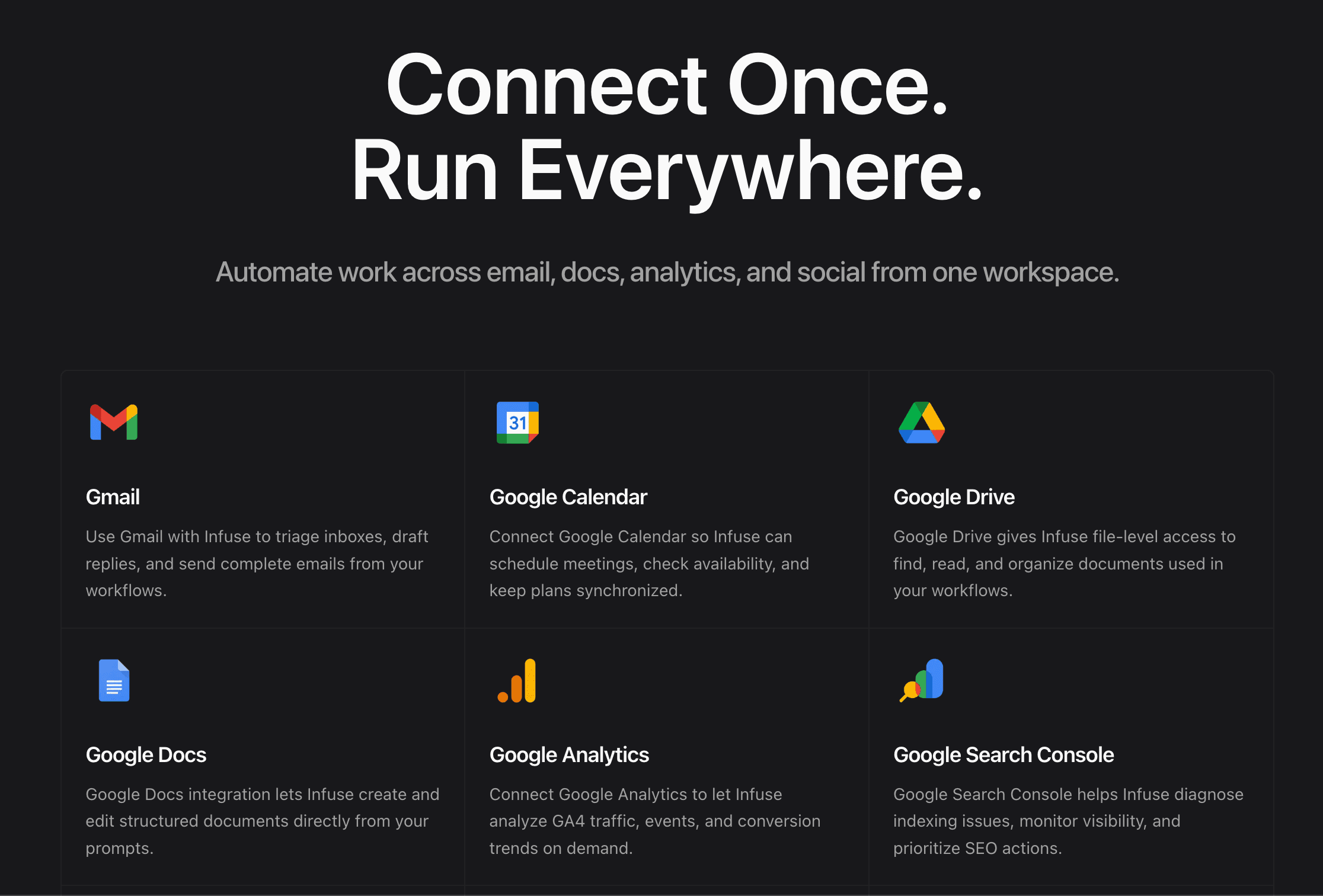
For teams using Google Workspace, the comparison usually comes down to how each platform supports work happening in Gmail, Docs, Sheets, Drive, and Calendar.
InfuseOS is more aligned with workflows that actively move through those tools during the day. It is closer to the execution layer.
Notion plays a different role. It sits beside Google Apps as the place where teams capture context, document plans, and keep shared knowledge organized. It does not mainly replace Google tools. It complements them.
So the real question is not which product connects to Google. The real question is what kind of support your team needs most:
- action across apps
- organization of team knowledge
- both
How AI is used in each product
Both platforms use AI, but not in the same way.
In Notion, AI is often used for content-focused work such as:
- summarizing notes
- rewriting text
- generating drafts
- improving structure
In InfuseOS, AI is more often applied to workflow support such as:
- preparing outputs from connected information
- helping users complete next actions
- reducing repetitive coordination across tools
So the difference is not whether AI exists in the product. The difference is where AI creates value.
So, who actually gets work done?
It depends on how your team defines work.
If work means documenting knowledge, aligning people, and building a shared system for information, Notion is the stronger fit.
If work means moving tasks across tools, cutting manual steps, and helping processes reach completion, InfuseOS is the stronger fit.
This is why the comparison should not be framed as a simple winner-versus-loser decision. Each platform improves productivity in a different way.
Final takeaway
InfuseOS and Notion are both useful, but for different reasons.
Choose InfuseOS if your biggest problem is execution across tools.
Choose Notion if your biggest problem is knowledge organization and collaboration.
For many teams, the right choice comes down to where work slows down today. If the issue is scattered information, structure matters more. If the issue is too many manual steps across apps, execution matters more.
That is the clearest way to compare these two AI productivity tools and decide which one fits your team best.