

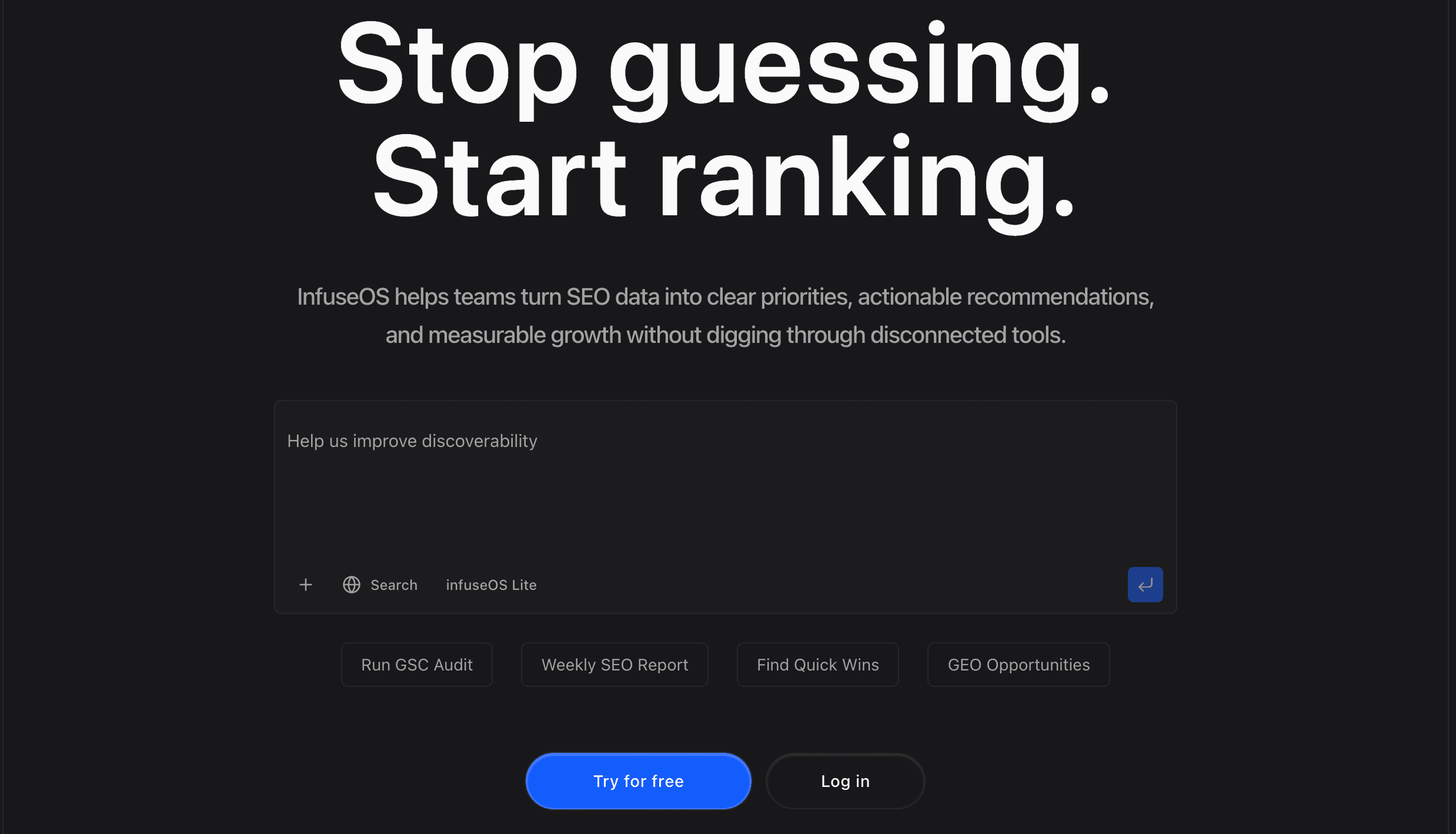
InfuseOS vs Relay AI automation: Which platform fits the way your team works?
Explore InfuseOS vs Relay AI automation to see which platform is better for delegation, workflow design, pricing and everyday team productivity.


As more companies evaluate AI automation tools, the real question is no longer whether automation matters. It is what kind of automation will be most useful in day-to-day work.
That is what makes InfuseOS vs Relay AI automation a practical comparison. Both products use AI to reduce manual work across business systems, but they are built around different strengths. InfuseOS leans into delegated execution, user control and everyday usability. Relay leans into structured workflows, inspectability and team-level process design.
What is InfuseOS?
InfuseOS is designed to help users complete work across apps through natural language instructions. Instead of asking someone to map every trigger, condition and action manually, it starts with the goal and works outward.
A user might ask InfuseOS to:
- send an email to a client
- schedule a meeting
- update a file in Google Drive
- post content across social channels
- run a recurring workflow in the background
Its appeal comes from simplicity. InfuseOS is built to feel accessible, visible and easy to manage, even for users who do not want to learn a complex builder interface.
That is also why it can be described as an AI agent platform. It is not just answering prompts. It is built to take action across tools, remember context and support different levels of autonomy.
What is Relay AI automation?
Relay is an automation platform that combines AI with visual workflows. It helps users describe work in plain English, generate a process and then inspect, edit and manage that workflow with precision.
A team using Relay might build a process that:
- monitors incoming requests
- classifies them with AI
- routes them to the right person
- drafts a response
- records every step in task history
Relay’s strength is not only that it automates work. It is that the process remains visible and editable. Teams can see what runs, change what needs improvement and control access at the workflow level.
That makes Relay especially strong for operations, support and cross-functional teams that value clarity as much as speed.
InfuseOS vs Relay AI automation: The Main Difference
The main difference is the user experience each platform is trying to create.
InfuseOS focuses on delegated execution. It is built for users who want to describe what should happen and let the platform carry it out.
Relay focuses on workflow-led automation. It is built for users who want AI assistance inside a structured process they can inspect and refine.
Neither model is better in every situation. The right choice depends on whether your priority is direct execution or visible process control.
InfuseOS strengths
InfuseOS stands out when usability, flexibility and real task completion matter most.
1. Natural language feels central, not secondary
InfuseOS is designed around plain-language requests. That makes it approachable for people who want automation without having to think like workflow designers.
2. It completes work across tools
A key strength is action, not just assistance. InfuseOS can work across apps such as Gmail, Google Drive, calendars and social platforms, which makes it useful for real operational tasks rather than isolated prompts.
3. Memory is user-managed
One notable advantage is transparency around memory. Users can upload, manage and remove memory rather than relying on a hidden system. That gives it a more practical and controlled feel.
4. Different levels of autonomy
InfuseOS supports both assisted and autonomous ways of working. That balance can be useful for people who want help with execution without giving up all oversight.
5. It can feel like a working assistant
For users seeking a personal AI assistant, InfuseOS may feel more natural because the product is designed to act on requests, maintain continuity and support recurring tasks in the background.
Relay strengths
Relay stands out when teams want automation that is structured, reviewable and easy to improve over time.
1. Strong workflow visibility
Relay’s visual workflow model is one of its clearest advantages. Users can inspect steps, understand logic and adjust the process instead of treating automation like a black box.
2. Good fit for team operations
Relay works well in environments where workflows are shared, reviewed and maintained by multiple people. That makes it a strong option for support, operations and internal process teams.
3. Plain English plus manual refinement
Relay lets users start with natural language, then refine the result manually. This combination is useful for teams that want AI speed without sacrificing process accuracy.
4. Clear task history and control
The ability to review task history and set app-level access gives Relay a strong governance story. That matters in business settings where reliability and traceability are important.
5. Predictable workflow behavior
Relay is especially effective when the work follows a defined sequence. For repeatable tasks such as onboarding, routing, approvals or internal requests, that structure can be a real advantage.
Pricing
Both platforms offer multiple pricing tiers, so users can choose the plan that best fits their needs, usage level and team size.
InfuseOS pricing
InfuseOS offers tiered plans based on credits, memory and scheduled automations.
Relay pricing
Relay offers a free tier, individual plans and team or enterprise options.
A Closer Look at Where Each Platform Fits
Choose InfuseOS when the goal is easier delegation
InfuseOS may be the better fit if your team wants:
- a faster path from instruction to execution
- less workflow setup
- broader action across connected apps
- user-controlled memory and visibility
- a more assistant-like experience
An example might be a founder, marketer or operator who wants one system to handle follow-ups, scheduling, content tasks and recurring admin work without building each automation manually.
Choose Relay when the goal is stronger process design
Relay may be the better fit if your team wants:
- inspectable workflows
- shared automation ownership
- manual editing after AI generation
- clear review history
- tighter process control across teams
An example might be a support or operations team that needs to route tickets, trigger tasks, manage approvals and maintain a reliable process that several people can understand.
Final takeaway
InfuseOS and Relay both represent strong but different directions within today’s ai automation tools market.
InfuseOS is compelling for users who want AI to complete work across apps with less setup, more flexibility and clearer user-managed control. Relay is compelling for teams that want AI-powered automation with explicit workflows, strong visibility and operational discipline.
So the better option is not about which product sounds smarter. It is about which working model fits your team. If you want automation to feel like delegation, InfuseOS has a strong case. If you want automation to feel structured and inspectable, Relay has an equally strong case.